Player Guide
Getting started, realms, roleplay and everyday play.
 Patriam Studios
Minecraft in the World of Patriam
Roleplay, politics and kingdoms built by players in the World of Patriam.
Enter the world
play.patriam.cc
Minecraft: Java Edition 26.3
The server
Patriam: Edge of the World is a Minecraft server set in the World of Patriam. Players found kingdoms, build relationships and shape stories through roleplay and politics.
The history made by players may one day become part of the wider world of Patriam.
Explore the World of PatriamMinecraft: Java Edition 26.3
play.patriam.cc
You can select and copy the address above.
Connect using Minecraft: Java Edition 26.3.
Create your account
You can join without a forum account. A forum account linked to your Minecraft username is required for full regular-user permissions.
Create an accountMeasure an HTTPS round trip from your browser to our hosting server. In-game ping may differ.
Enable JavaScript to run the connection test.
HTTPS request timings. Failed requests are not a packet-loss measurement.
Joining Edge of the World
Follow these steps for your first visit to Edge of the World.
You can join without a forum account. For full regular-user permissions, create an account and link it to your Minecraft username. Visit the community forums to meet other players.
You will need Minecraft: Java Edition 26.3. Read the Server Rules before playing and check the Minecraft Discord for further joining instructions.
In Minecraft: Java Edition 26.3, open Multiplayer, choose Add Server and enter play.patriam.cc. Join the server to begin.
Before you play
Read our player guides and server rules.
Getting started, realms, roleplay and everyday play.
Community standards, conduct rules, reporting and appeals.
Recipe reference for the server.
Before the first settlement
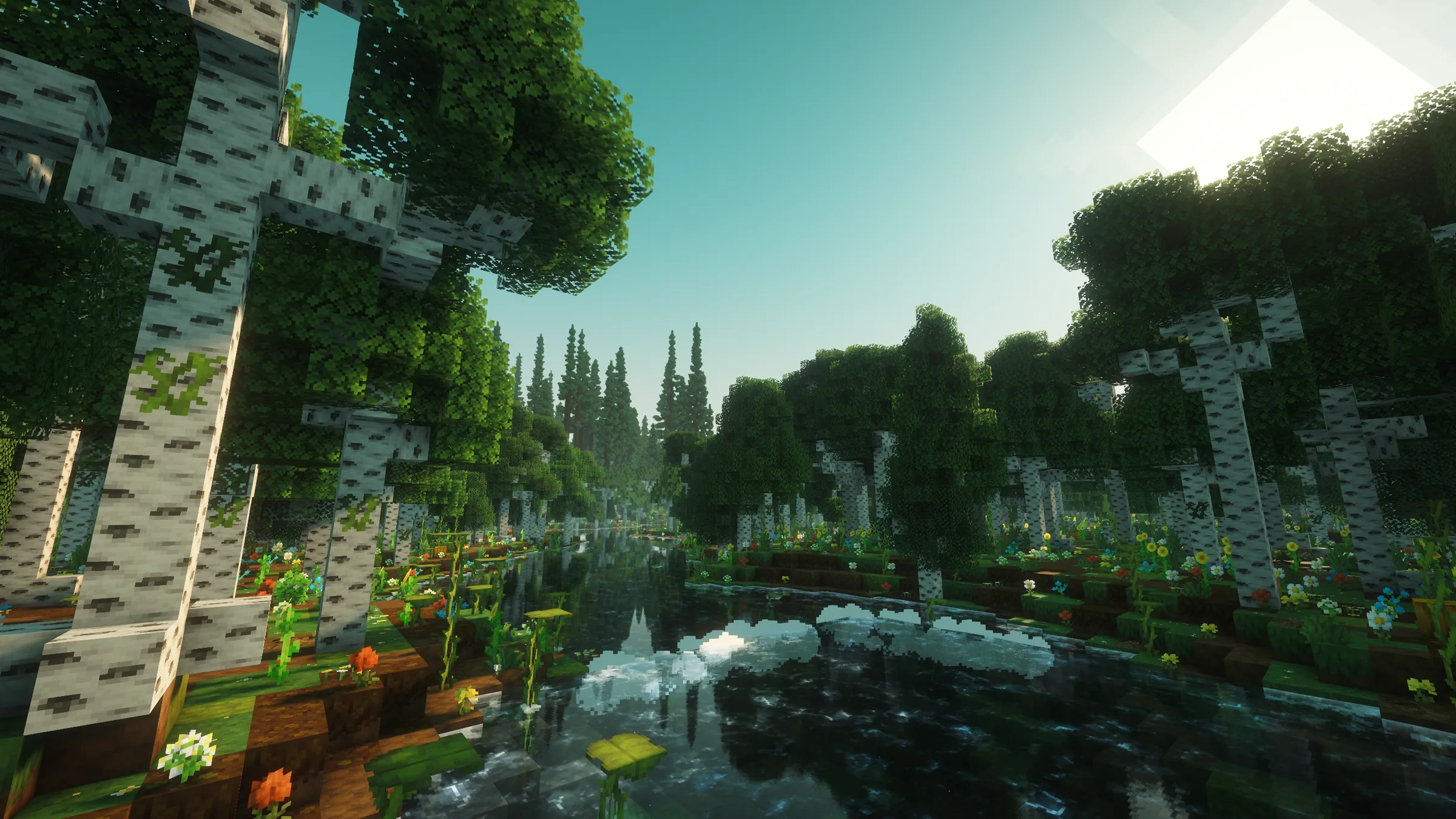
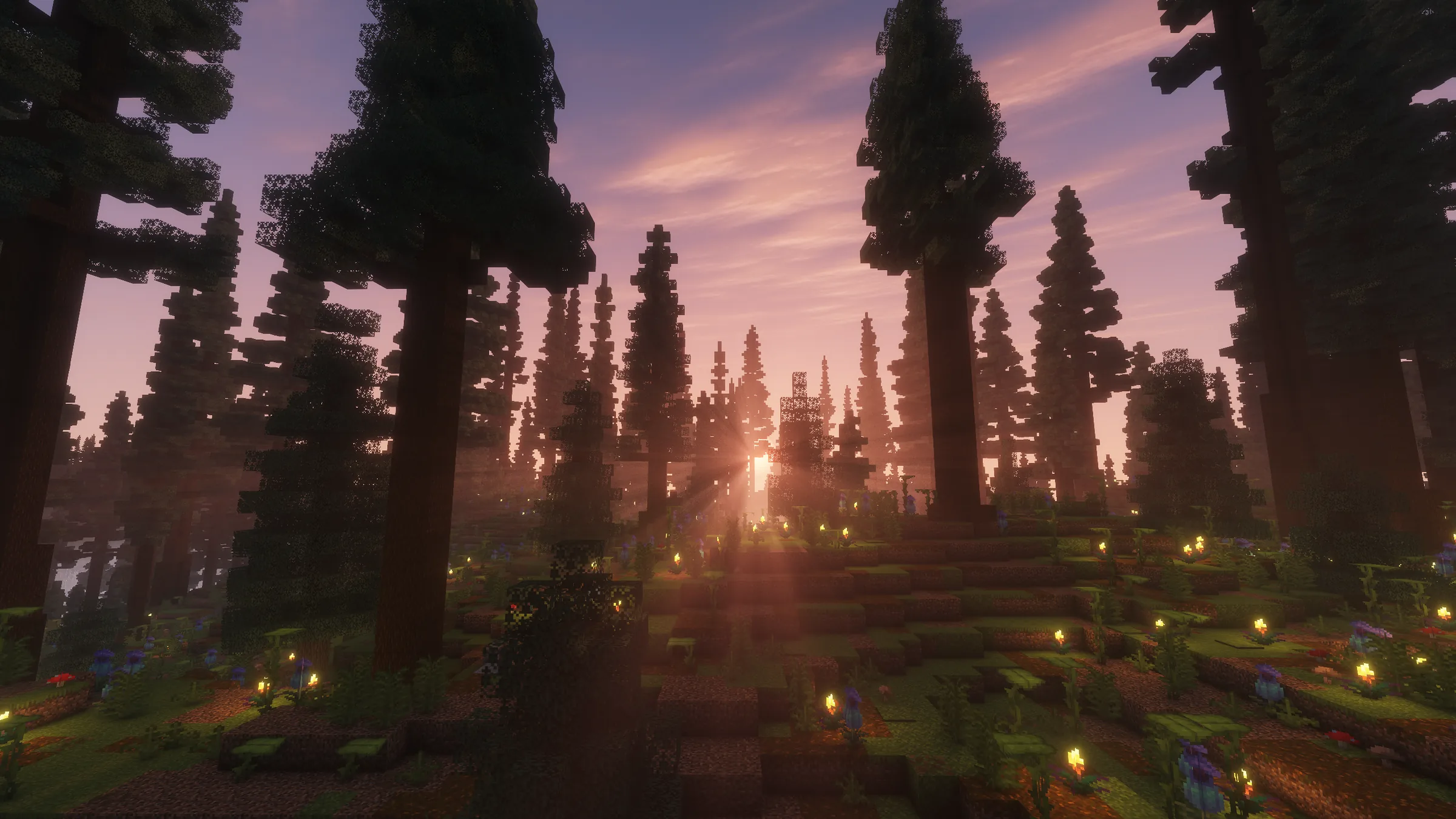
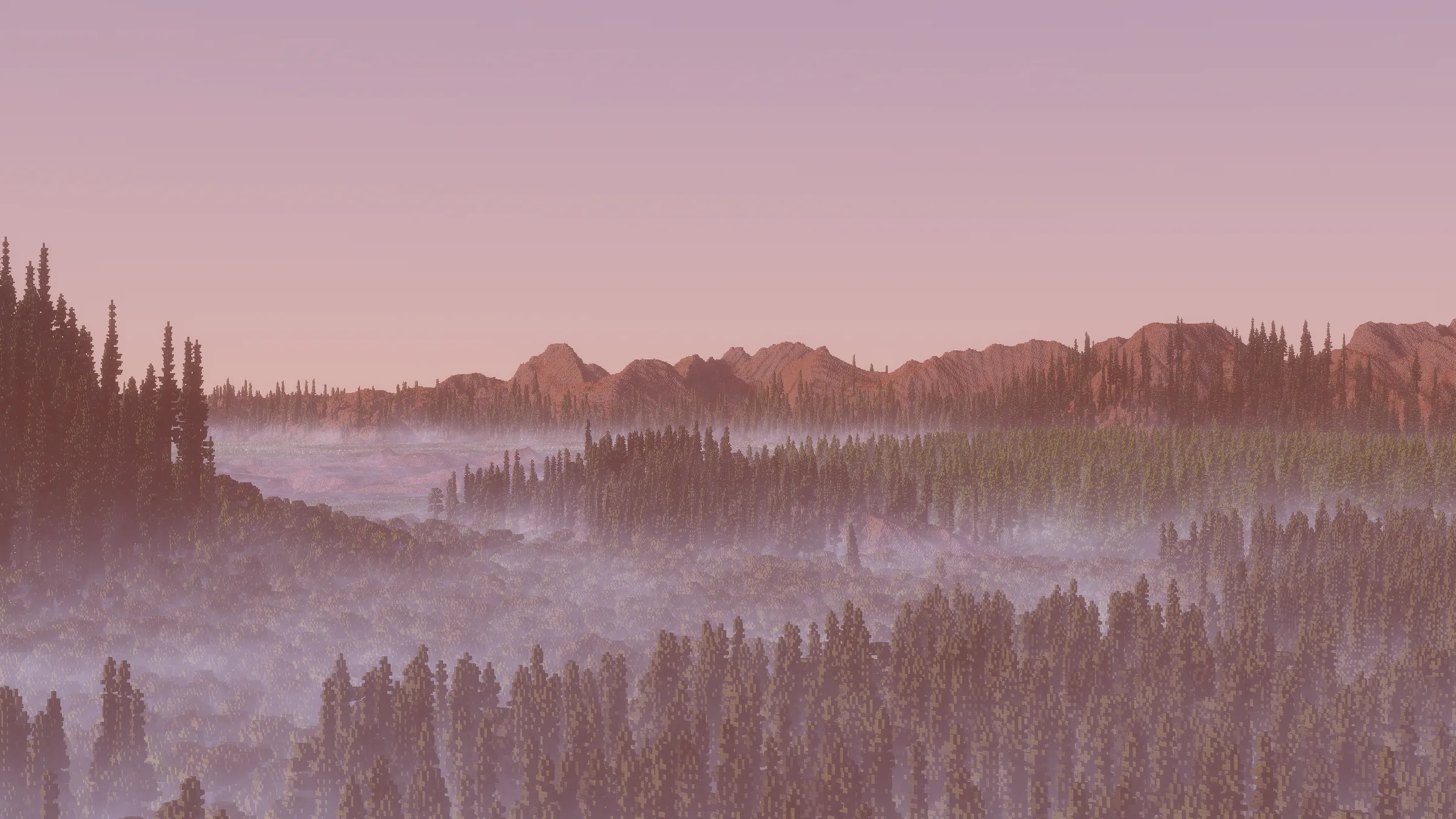
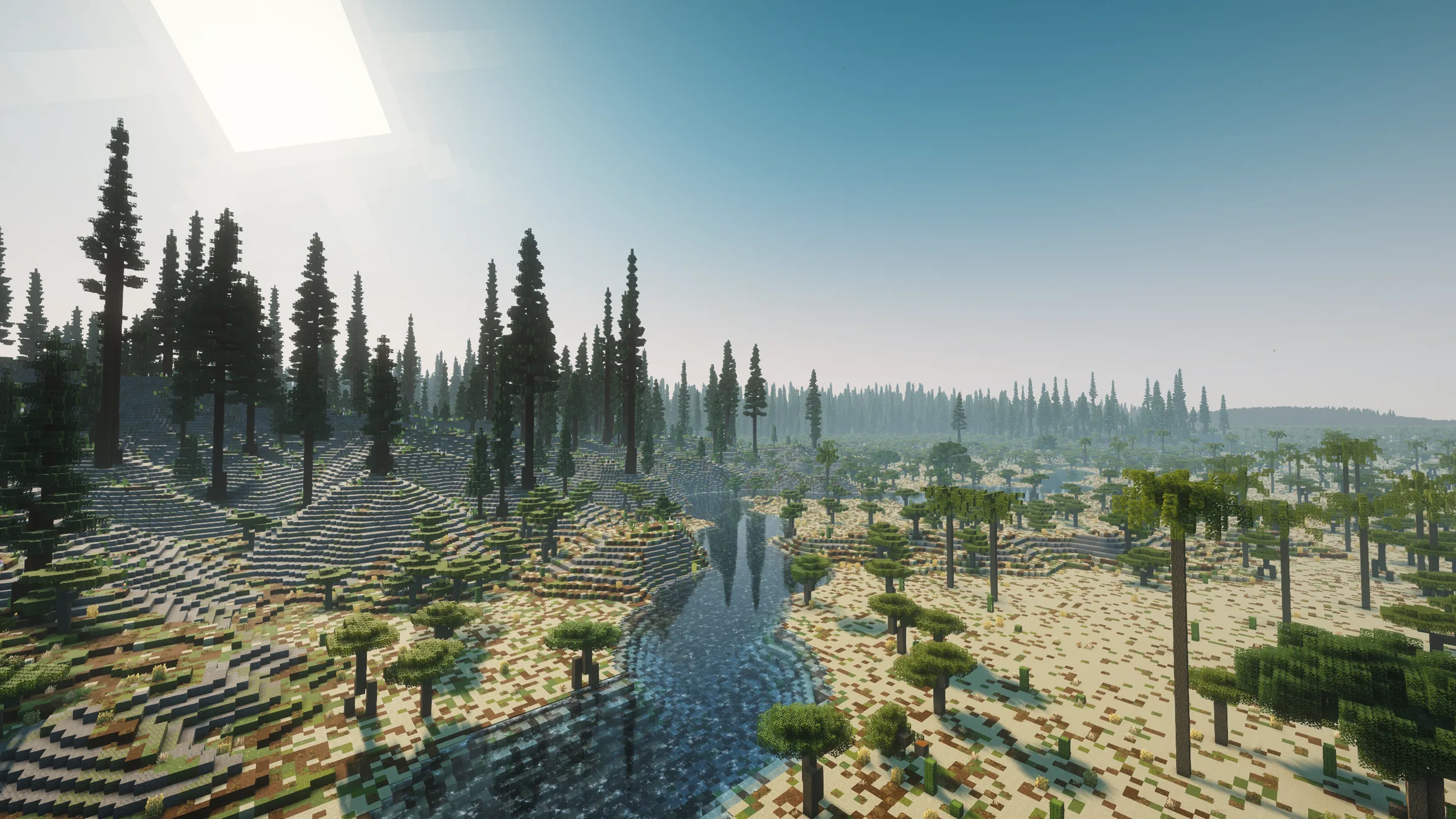
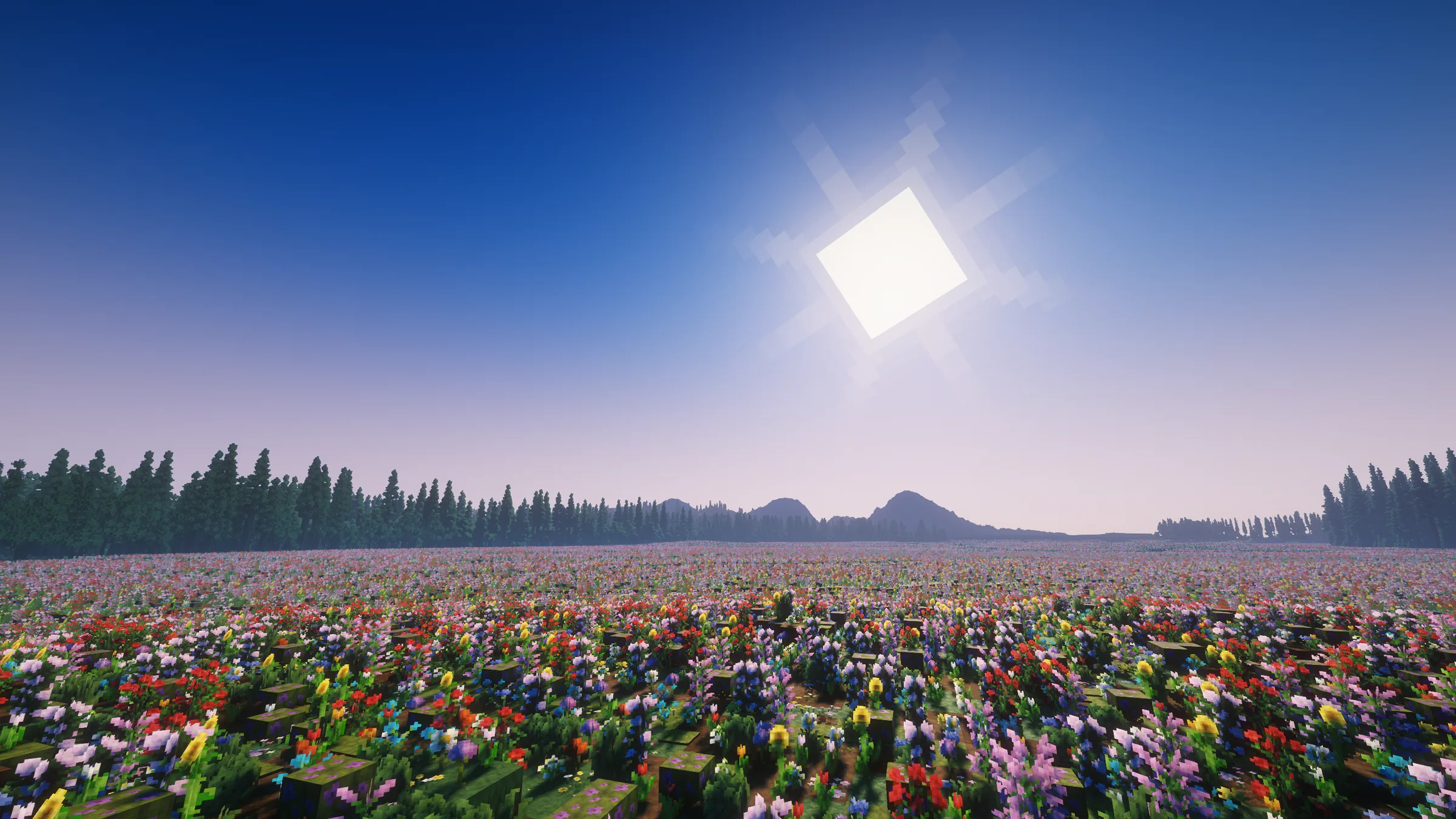
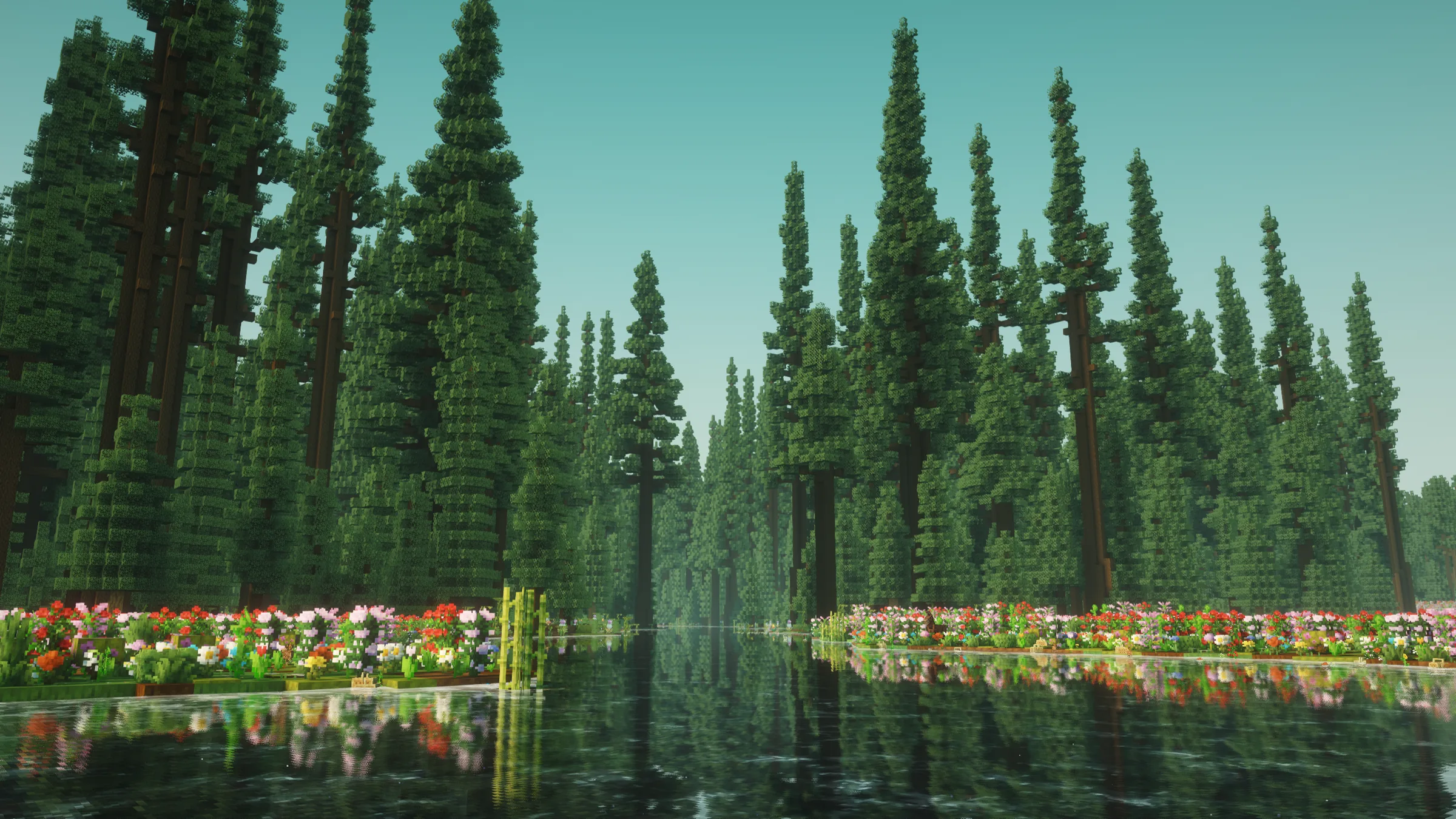
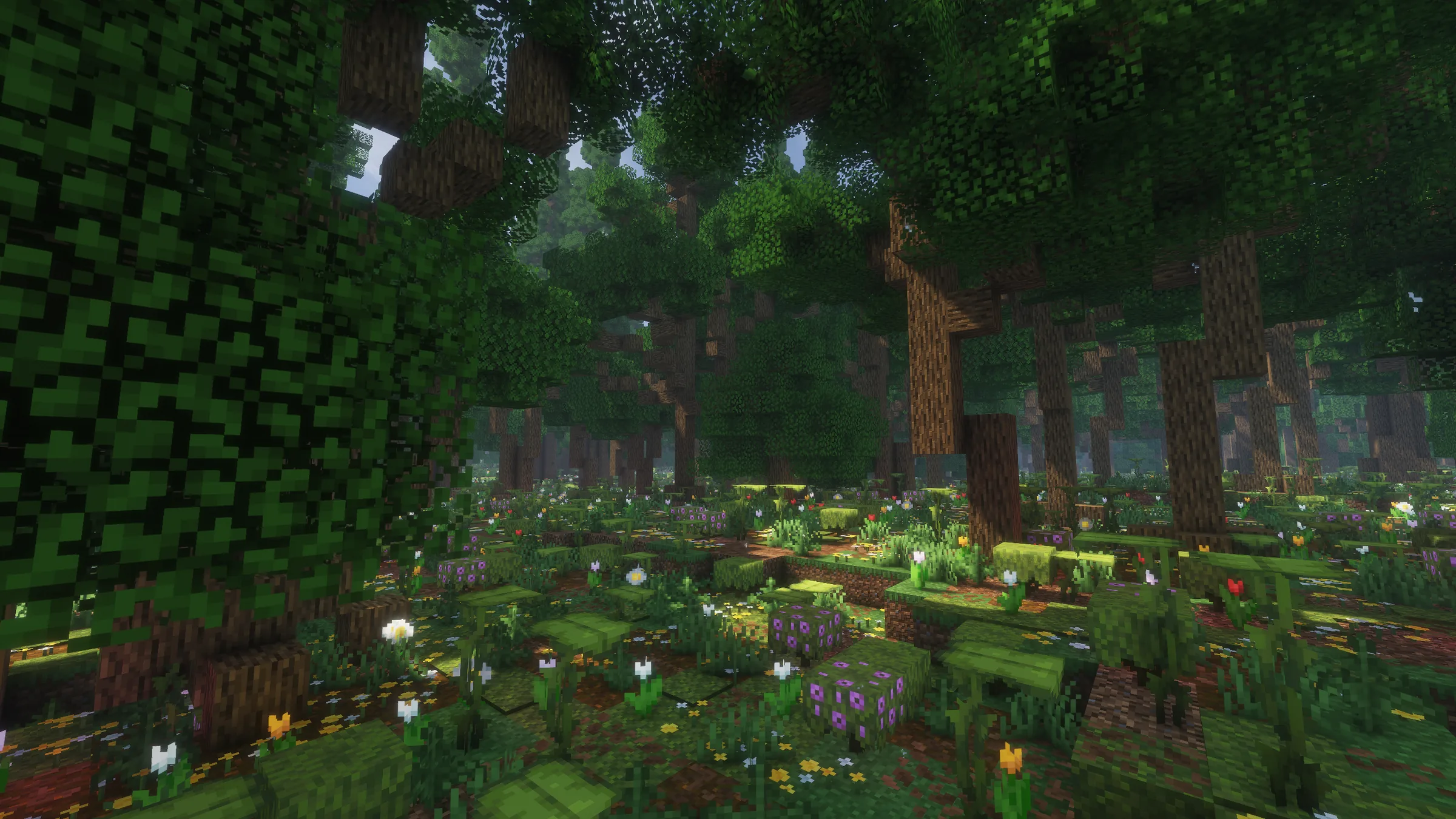
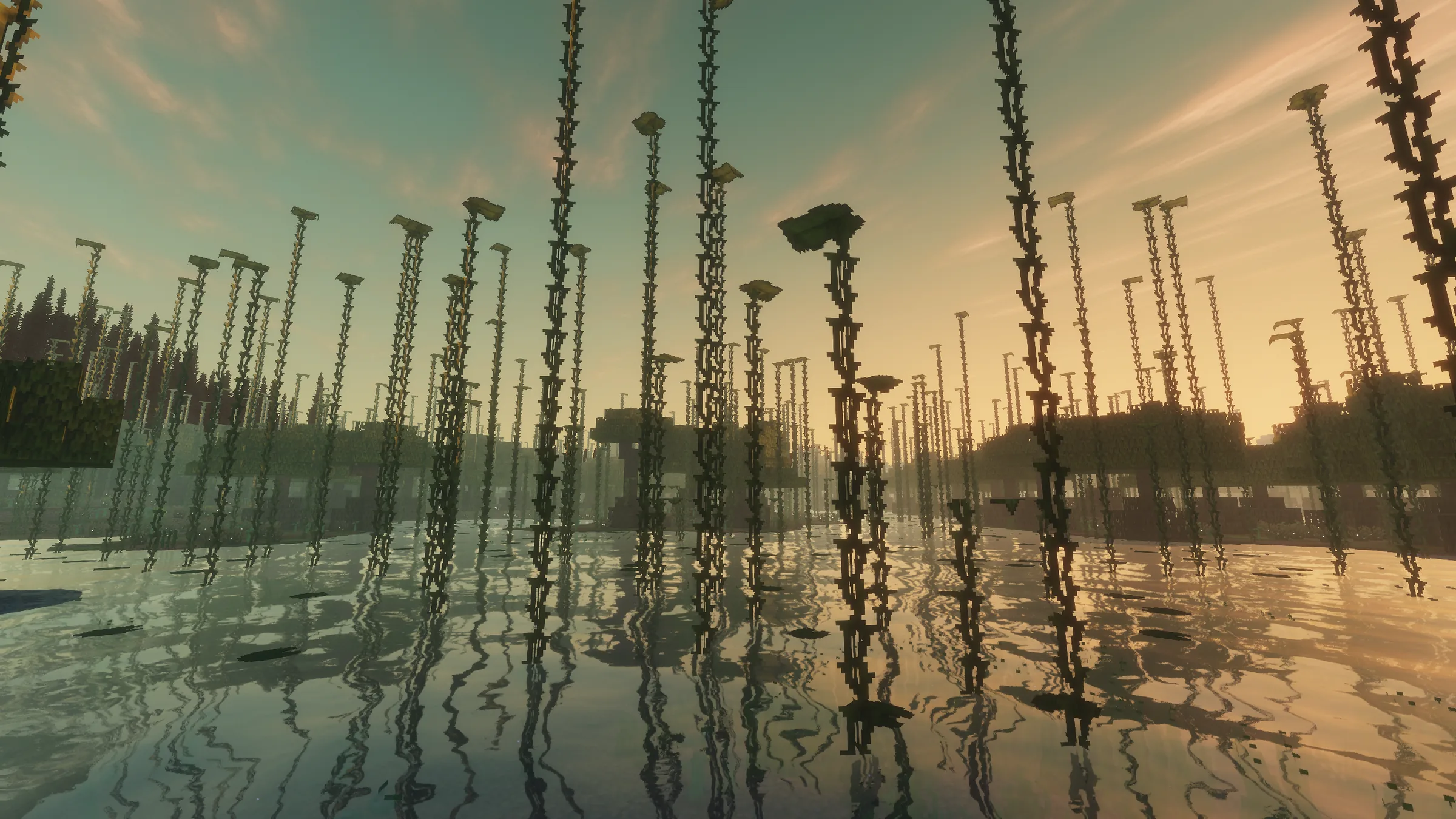
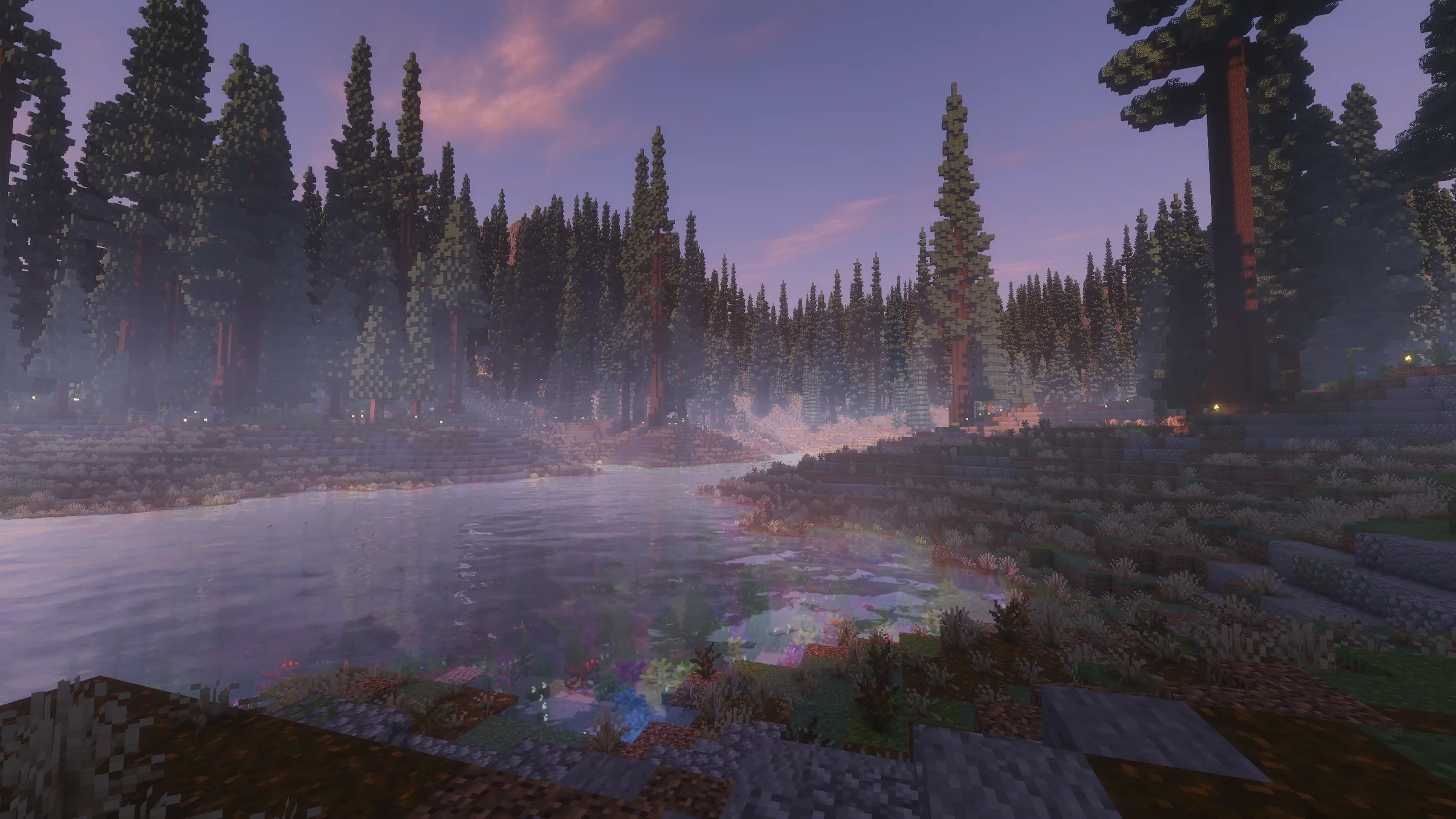
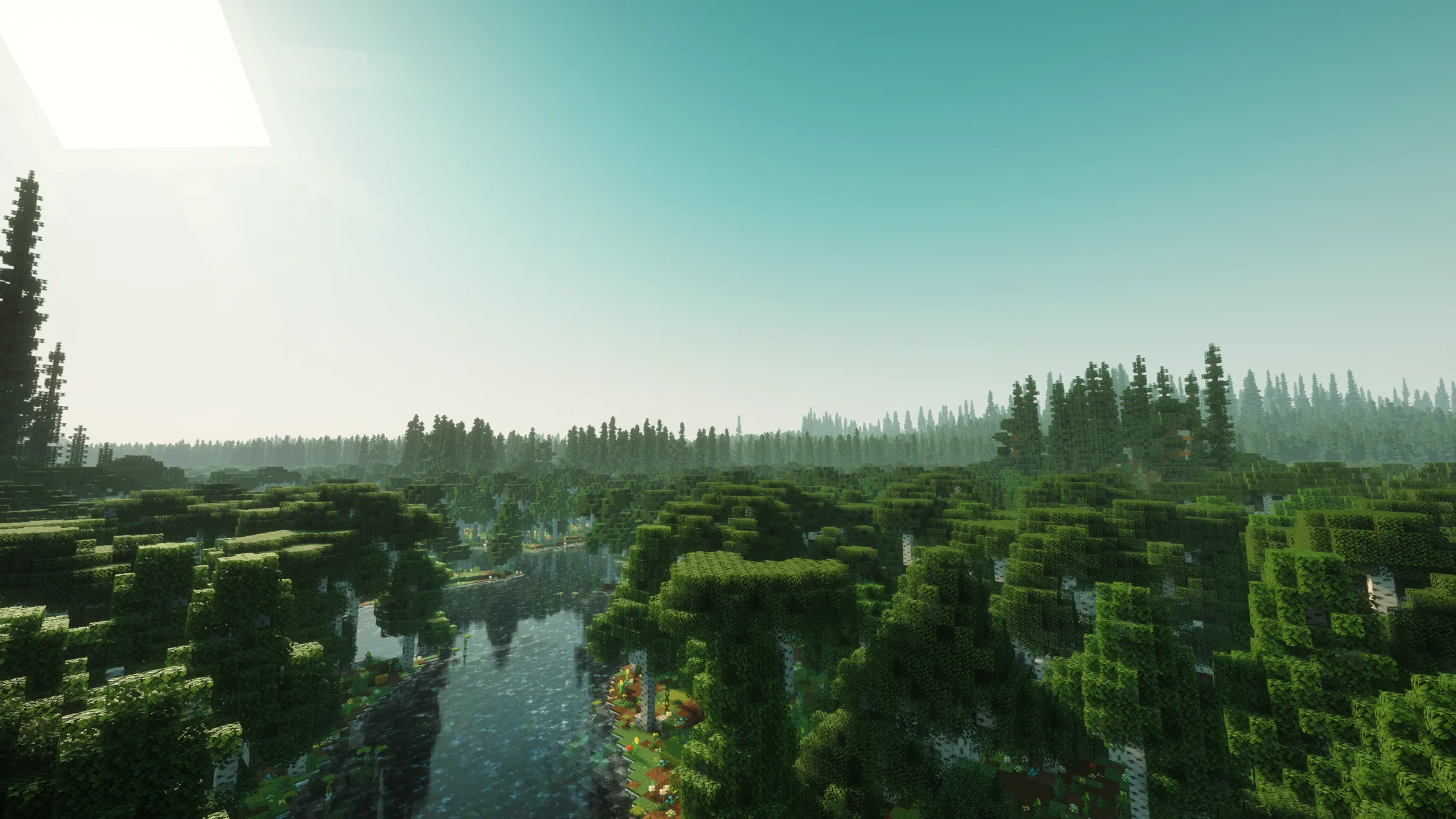
Explore the forests, rivers and open landscapes of Edge of the World, before players leave their mark.
Built by the community
This gallery will feature player-built towns, churches and landmarks. New pictures will be added as they are ready to share.
The people behind Edge of the World
Alexander Donnelly / Atmos_PatriamMC
Creates the map and world lore, with input on server direction.
Ryan D. / gerber11
Oversees server operations, maintenance and overall gameplay direction.